About the game
Mechanics, examples, and pictures for new players.
This page is kept in sync with player-facing mechanics. When features change, About is updated in the same delivery.
Modes
Choose a mode in the lobby. Deathmatch (Quick Join) is competitive multiplayer for up to 8 players. vs Bots and Endless are Sandbox practice modes. Each mode uses its own economy pool — gold and inventory do not mix across Deathmatch and Sandbox. Switch the lobby language with EN|RU.
- Deathmatch — fight other players in shared public lobbies (up to 8).
- vs Bots — private sandbox match against bots on your selected map.
- Endless — infinite run with distance and bot kills on a Sandbox pool.
Maps
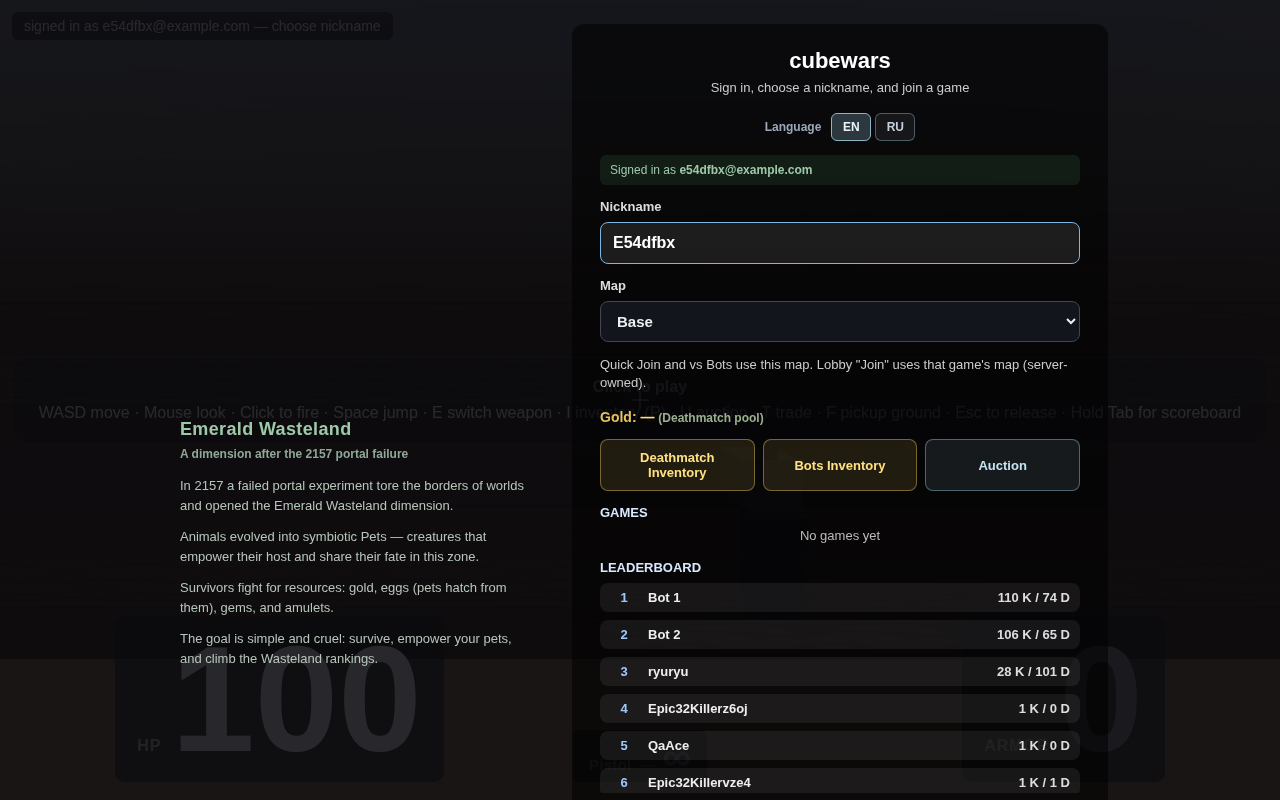
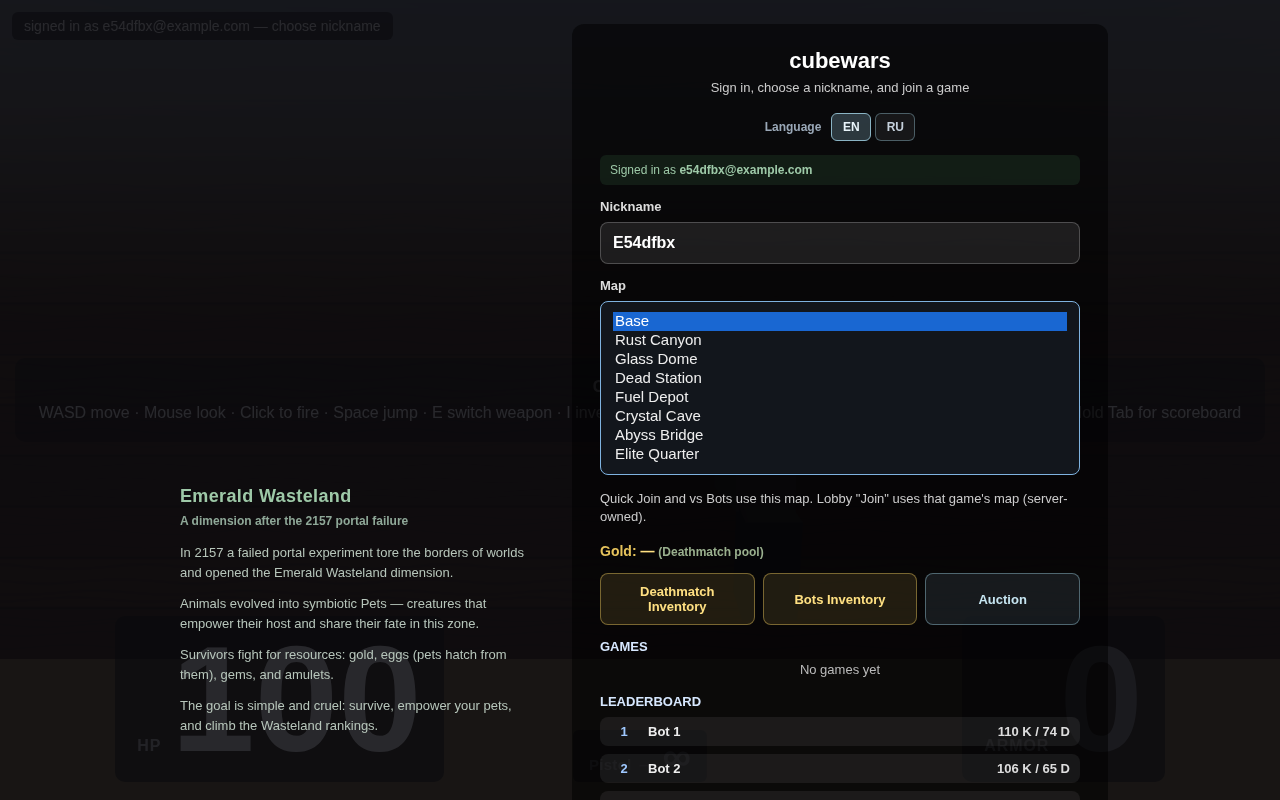
The catalog has 8 themed maps at half the older arena size, each with its own floor look and fog palette. Use the lobby map picker before Quick Join or vs Bots. Joining an existing lobby game uses that match’s map (server-owned). Maps are shared across modes where the catalog applies. See Hazard rifts below for mid-map damage zones.
Hazard rifts
Each catalog map has a zig-zag hazard strip crossing the middle (not a straight canal). If you stand in it, the server drains armor first, then health — the same rule as Endless fog, but on static maps. Jump across without landing in the rift and you take no damage. Bots are affected too. Themes differ per map:
- Base — piranha water
- Rust Canyon — lava
- Glass Dome — acid
- Dead Station — toxic sludge (bubbles)
- Fuel Depot — burning oil
- Crystal Cave — plasma
- Abyss Bridge — void ink
- Elite Quarter — molten gold
Endless mode has no catalog rift — instead, chasing fog behind you damages armor then HP if you stay in it.
Weapons & pickups
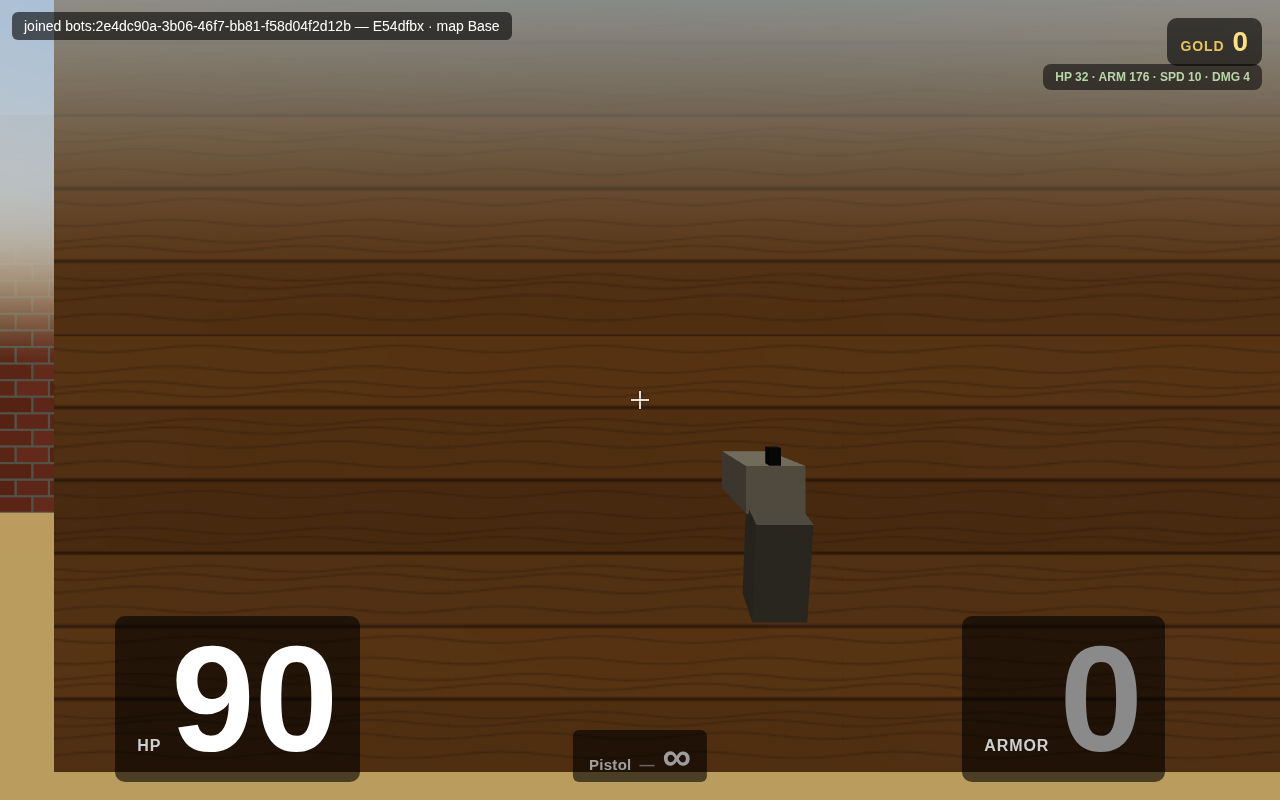
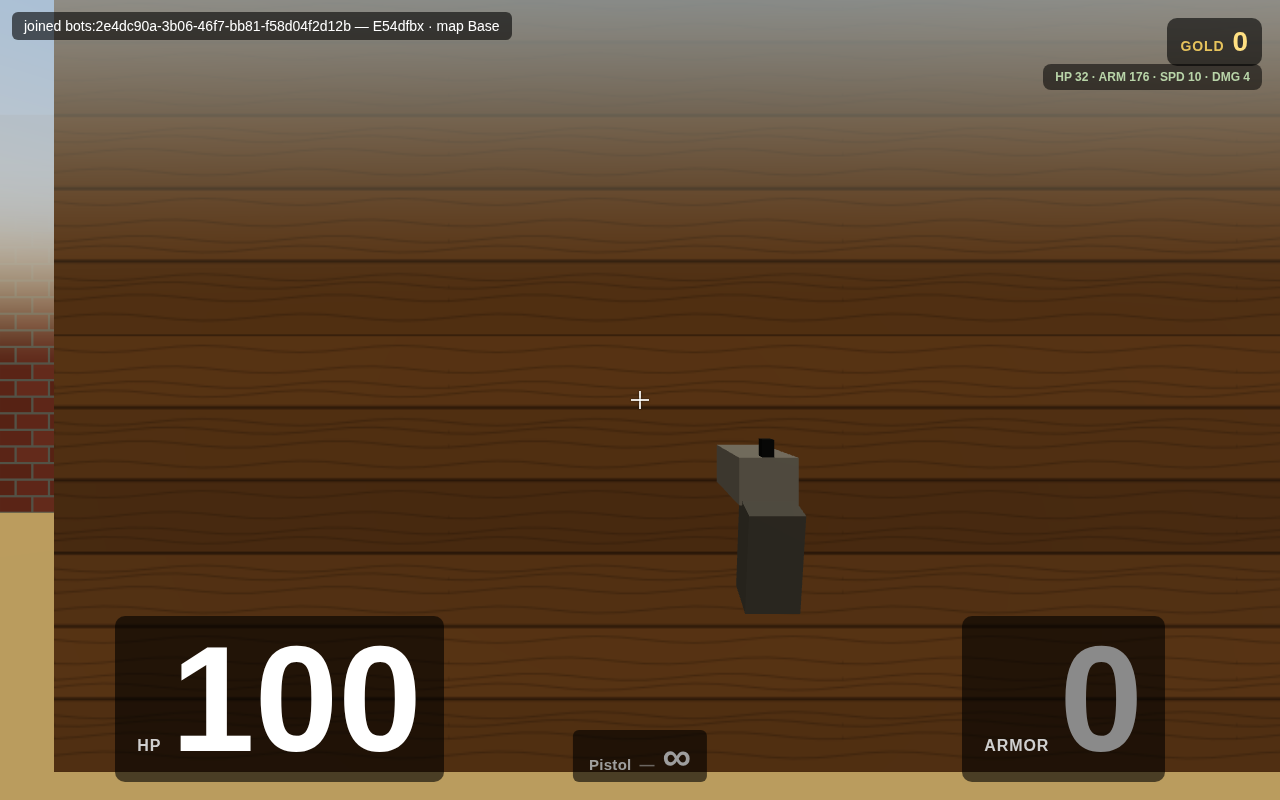
Hold left-click to keep firing your current weapon at its own cooldown (pistol, rifle, and grenade launcher). A ring around the crosshair fills as cooldown recovers — full and transparent means ready. No muzzle flash, recoil, or gunshot plays when you are dry, on cooldown, spawn-protected, or dead. First-person view shows hands on the gun: pistol is one-handed; rifle and grenade launcher use two hands. Other players hold matching weapon models on their arms. Pick up health, armor, ammo, and weapons from the arena — weapon pickups match the held silhouettes; armor reads as a vest/breastplate (distinct from the white medkit with red cross). Ammo crates refill or stockpile ammo but do not unlock a weapon — only a weapon pickup grants ownership (and E-cycle). Press E to switch among owned weapons. Empty weapons pulse on the HUD until you find ammo. The HUD shows HP and ARMOR as current/max from the server (for example 85/245). Medkits heal toward your pet-boosted max HP for this life. Player kills can show brief loot flyout effects for listed drop kinds.
Pets
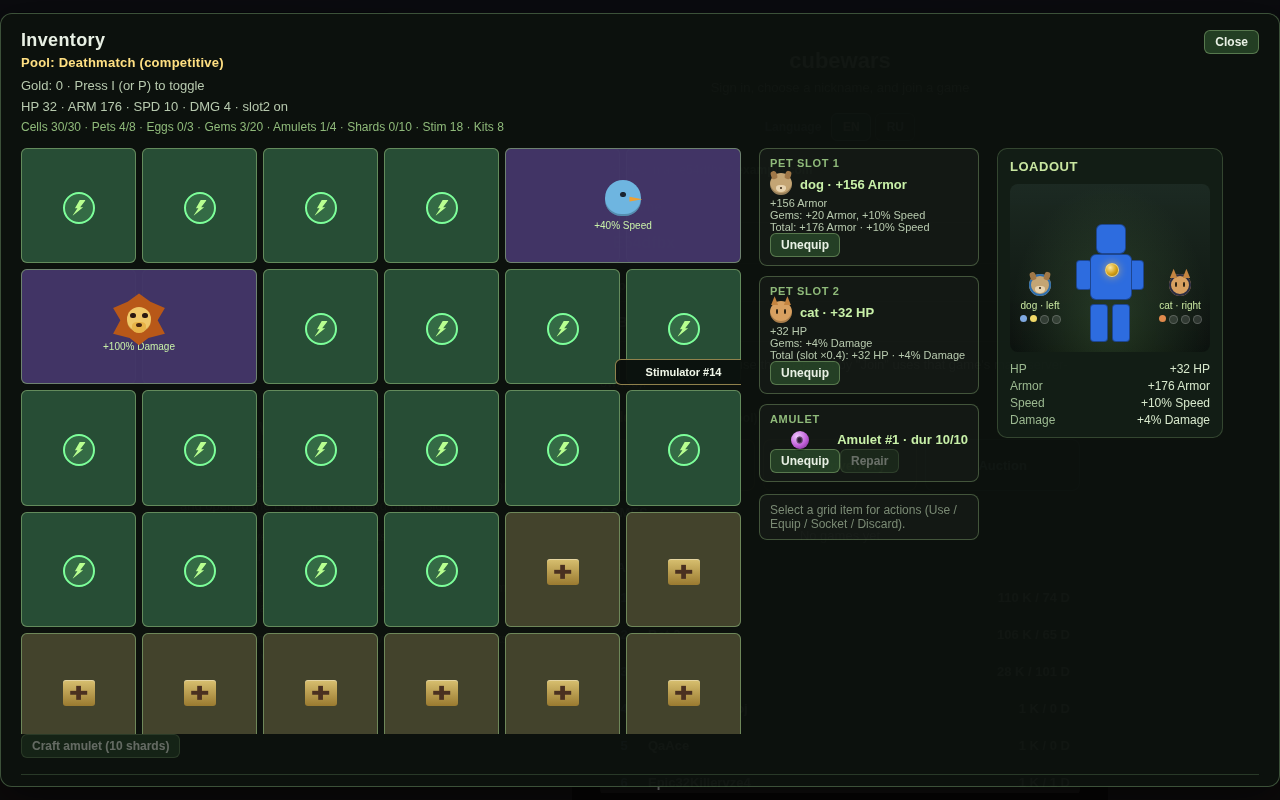
Pets hatch from eggs and grant combat bonuses when equipped. Equipped companions are visible beside you in a match. Primary grants by species:
- Dog — flat Armor (raises armor baseline; maxArmor is max(100, pet Armor), so strong dogs show e.g. 156/156)
- Cat — flat HP (1:1; raises max HP for the life; HUD shows current/max)
- Bird — speed %
- Lion — damage %
Gems socketed into pets add bonuses on the same axes (HP, Armor, speed %, damage %). Slot 1 is always available; slot 2 unlocks only when an amulet is equipped. Craft amulets from shards.
Inventory / auction / trade
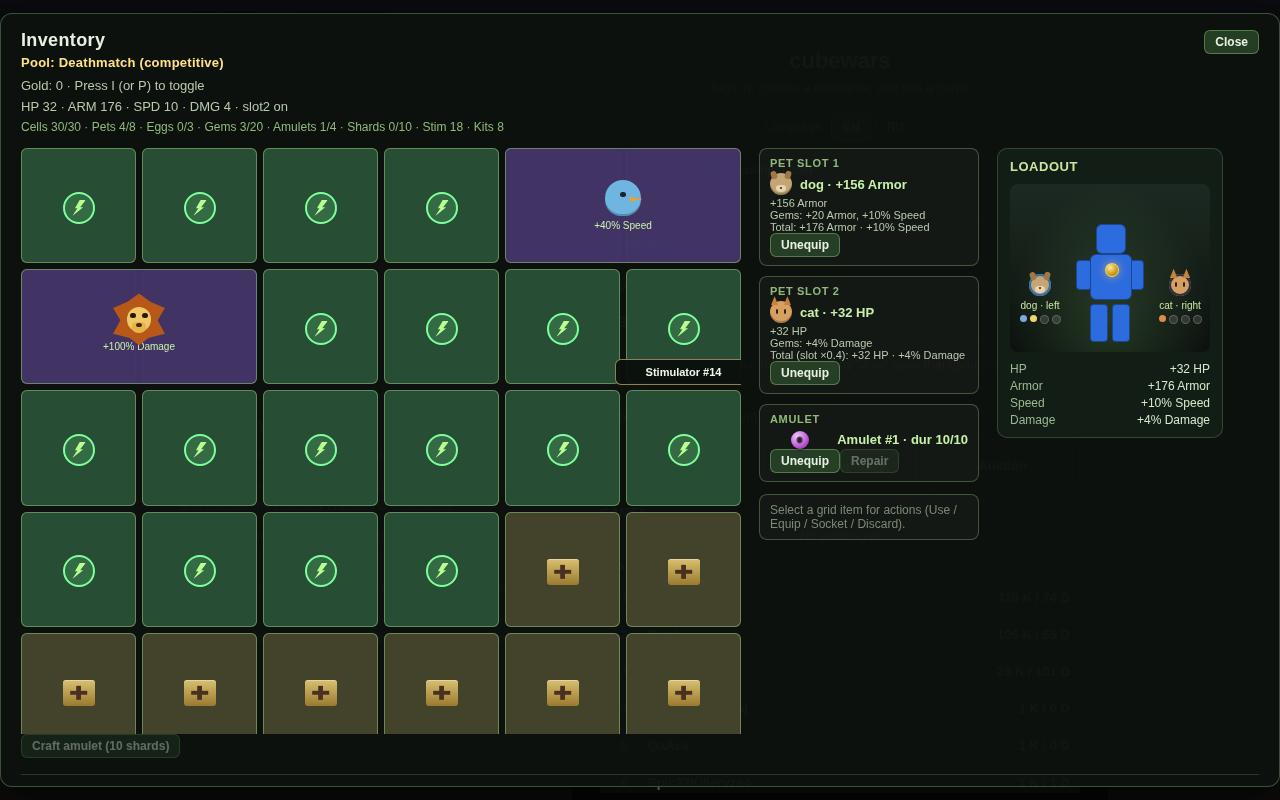
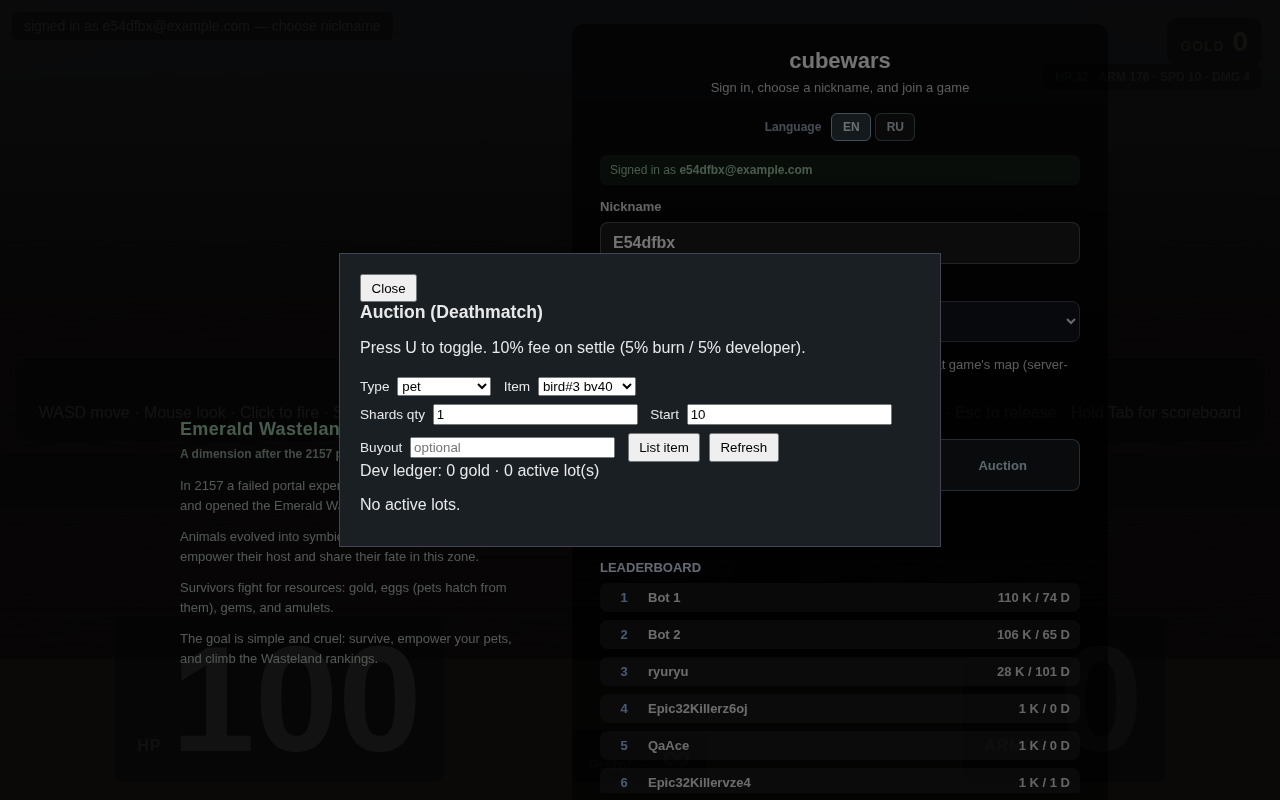
Open inventory with I (or P), or from the lobby Deathmatch / Bots inventory buttons (separate pools). The 6×5 bag holds pets, eggs, gems, amulets, stimulators, repair kits, and shards. A right-side Loadout preview shows your colors, equipped pets/amulet, and combat stats. Items that do not fit appear under Unplaced until you place or discard them. Equip pets on the rail; craft amulets from shards. Auction (U) is Deathmatch-only and also opens from the lobby Auction button. Trade (T) is same-match player-to-player. F picks up nearby ground drops.
Movement & arena
Alive players and bots block each other — you cannot walk through bodies. Each catalog map has a distinct procedural floor texture (sand grid, rust, mossy tiles, concrete, asphalt, crystal veins, metal grate, pavement). Walls are tall and fade into per-map fog so arena edges feel open. After a respawn, a green light column marks the spawn point for about 2–3 seconds (visible to everyone in the match).
Spawn protection
After spawn or respawn you are briefly a ghost for about 2 seconds: you cannot be damaged and cannot fire. A HUD cue shows remaining protection time (server-driven). A green vertical beam at the spawn point fades over ~2–3 seconds so teammates and enemies can spot respawn activity.
ESC / pause menu
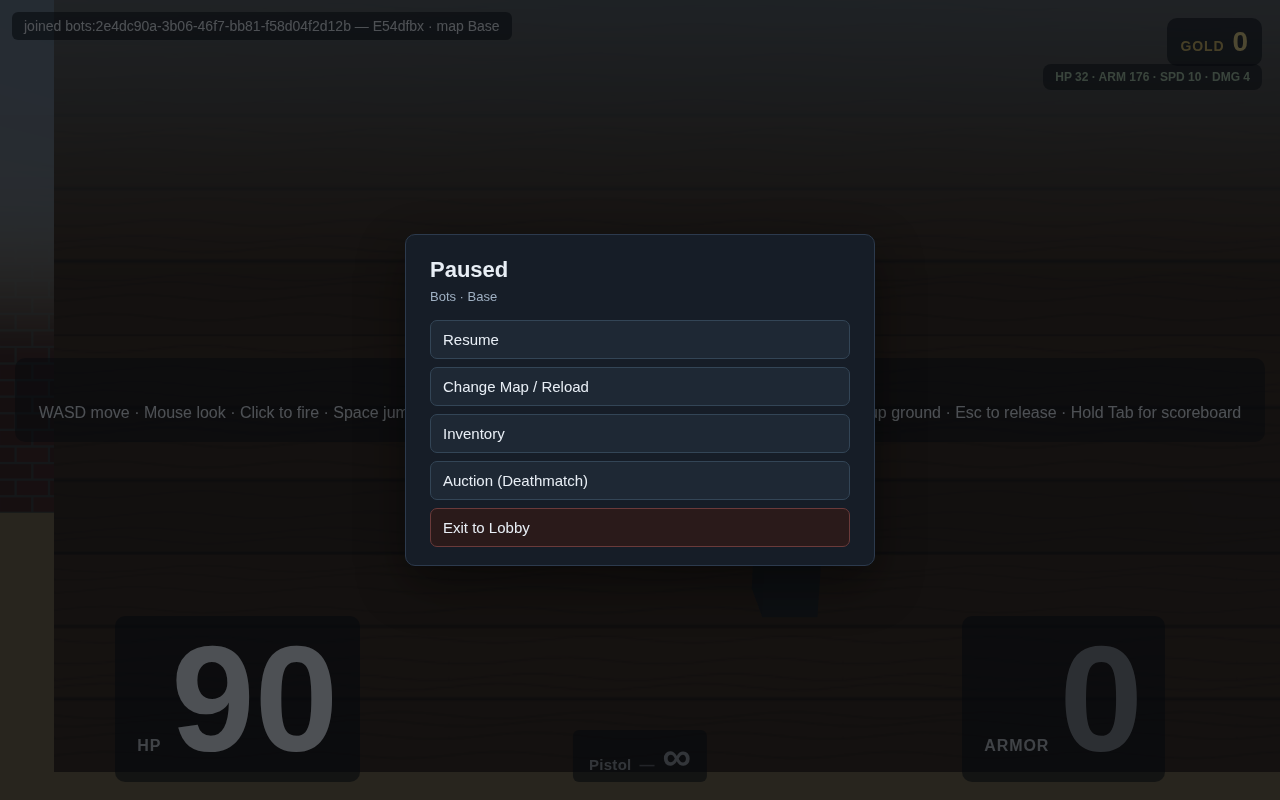
Press Esc in a match to pause: Resume, Change Map / Reload, Inventory, Auction (Deathmatch), Exit to Lobby. Changing map leaves the current match and starts a new one on the chosen catalog map.
Hotkeys
- WASD — move · Mouse — look · Space — jump
- Hold click — fire · E — switch weapon
- I / P — inventory · U — auction · T — trade · F — ground pickup
- Esc — pause / release pointer · Tab (hold) — scoreboard
Economy pools
Deathmatch and Sandbox (Bots / Endless) keep separate gold and inventory. Farming in Sandbox cannot feed Deathmatch rankings or auction listings. Lobby Deathmatch Inventory, Bots Inventory, and Auction buttons open the matching pool before you join. Repair kits on kills are rare (~0.2%). In Sandbox, bots that wear an amulet can grant a shard once per bot; Deathmatch bot kills still grant no economy reward. Gem and amulet item copies still come only from human victims.